
All providers, one place
Claude, ChatGPT/Codex, Command Code, Ollama, OpenRouter, DeepSeek, Moonshot, GitHub Copilot, Synthetic, NanoGPT, OpenAI, Anthropic, xAI, Mistral, OpenCode Go and custom providers.
OPEN-SOURCE WINDOWS WIDGET
Quota Widget keeps the usage windows, reset countdowns and balances of the AI services you already use on top of your Windows desktop — without another dashboard, account or telemetry.
01 / WHAT IT DOES
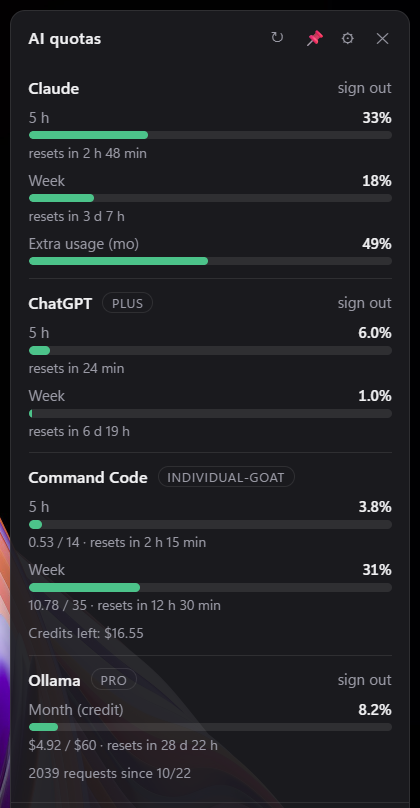
Stop opening five dashboards to find out whether you have room for one more task. Quota Widget puts the numbers you need in one small, readable card.
Claude, ChatGPT/Codex, Command Code, Ollama, OpenRouter, DeepSeek, Moonshot, GitHub Copilot, Synthetic, NanoGPT, OpenAI, Anthropic, xAI, Mistral, OpenCode Go and custom providers.
See the usage window, its current percentage and exactly when it renews. The card stays useful when a provider reports more than one limit.
Show credits left, monthly spend or account balances when the provider exposes them, not only the rate-limit bars.
API keys and custom-provider specs are encrypted with Windows. There is no BeamGlyph account, backend or telemetry.
Optional notifications warn when a window reaches 90% or renews, so a reset never arrives as a surprise.
Use the floating card or a top/left/right dock, switch between Classic and Paper skins, and set a refresh interval per service.
02 / WORKS WITH YOUR STACK
Quota Widget uses the credentials or browser session you already have. It does not proxy your traffic, and it does not need a separate login.
Provider names are trademarks of their owners. Quota Widget is independent and is not affiliated with or endorsed by these services.
03 / AT A GLANCE
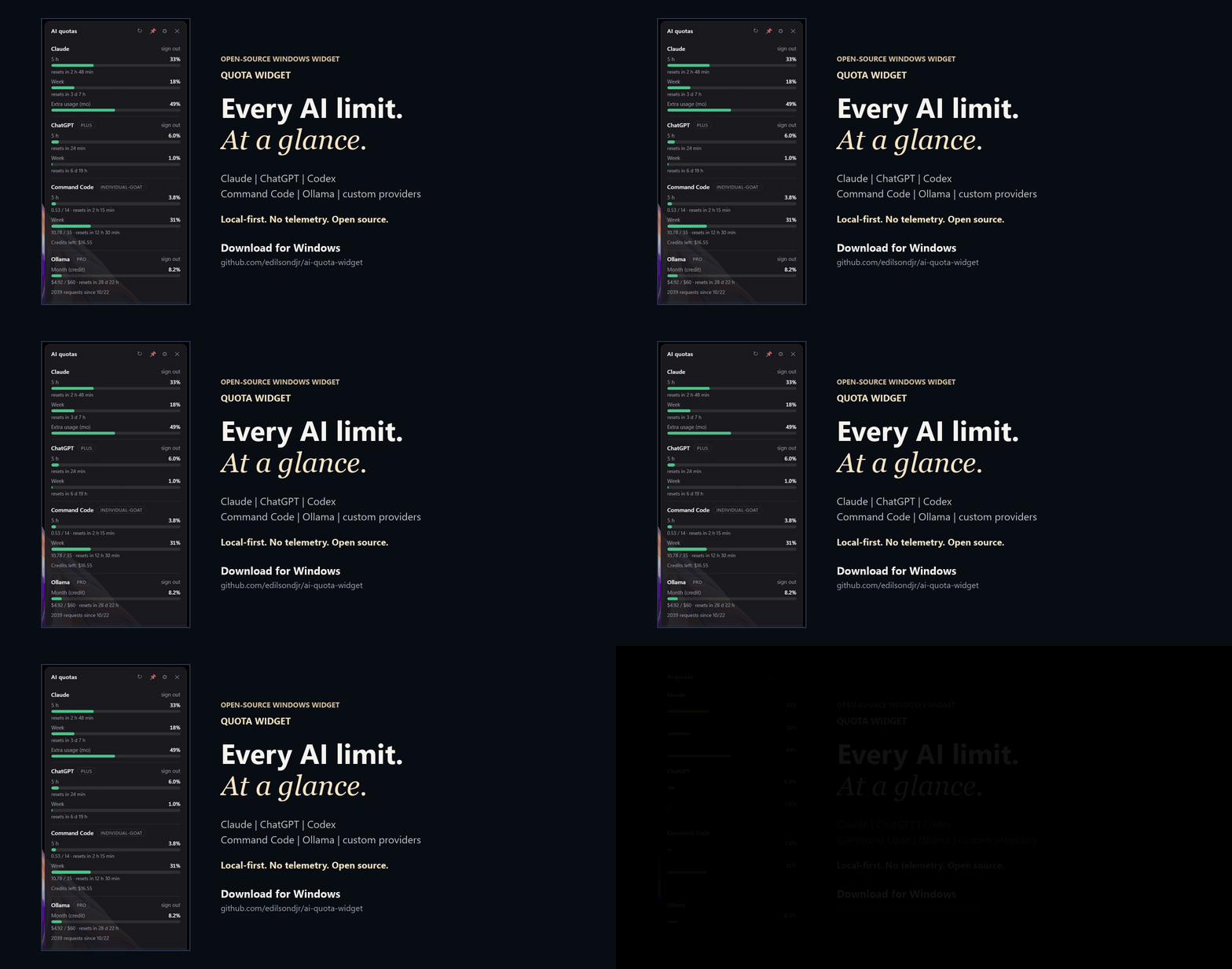
Pin it above your editor, drop it into a dock at the edge of the screen, or keep it in the tray until you need it. The last reading stays visible while a provider is updating or temporarily failing.
04 / PRIVACY BY DEFAULT
The widget has no analytics, no advertising and no BeamGlyph server. Your API keys and custom-provider specs are encrypted at rest with Windows, and the source is MIT-licensed.
Read the privacy policyInstall it and configure the providers you already use.
No usage analytics, crash reporting or hidden network calls.
Requests go directly to the provider endpoint you enable.
Check for updates in Settings; the app opens the release page and never installs anything by itself.
05 / GET STARTED
Download the latest installer from GitHub Releases, run it, and add your first provider in Settings.
Get Quota-Widget-Setup-<version>.exe from the latest release.
Run the installer. It installs per user and does not require administrator rights.
Open Settings, enable a service, then sign in or paste its API key. The first reading appears in the card.
The installer is currently unsigned, so SmartScreen can show “Unknown publisher”. Click More info, then Run anyway — or build from source. Every release includes SHA256SUMS.txt so you can verify the download.
No. It requests quota and usage metadata from the providers you enable. It does not read conversations, messages or project content.
Locally under %USERPROFILE%\.quotawidget\. API keys and custom-provider specs are encrypted with Windows DPAPI through Electron safeStorage. The app never writes them in plain text.
No. There is no analytics, advertising or BeamGlyph backend. It connects only to the provider endpoints you enable. If you click Check for updates, it contacts GitHub’s public releases API; that request includes your IP address, as any web request does.
No. Settings → Check for updates checks the latest GitHub release and opens its page. It does not download or install anything automatically.
Yes. Custom providers support a guided form or a JSON spec, including response mappings and safe expressions. See the contributing guide.
Windows desktop. The current app is built with Electron and ships as a Windows x64 installer.
KEEP THE QUOTAS IN SIGHT